On ENS Ready, one company account can have as many people as you need. Everyone files declarations; what else they see depends on their role.
The three roles
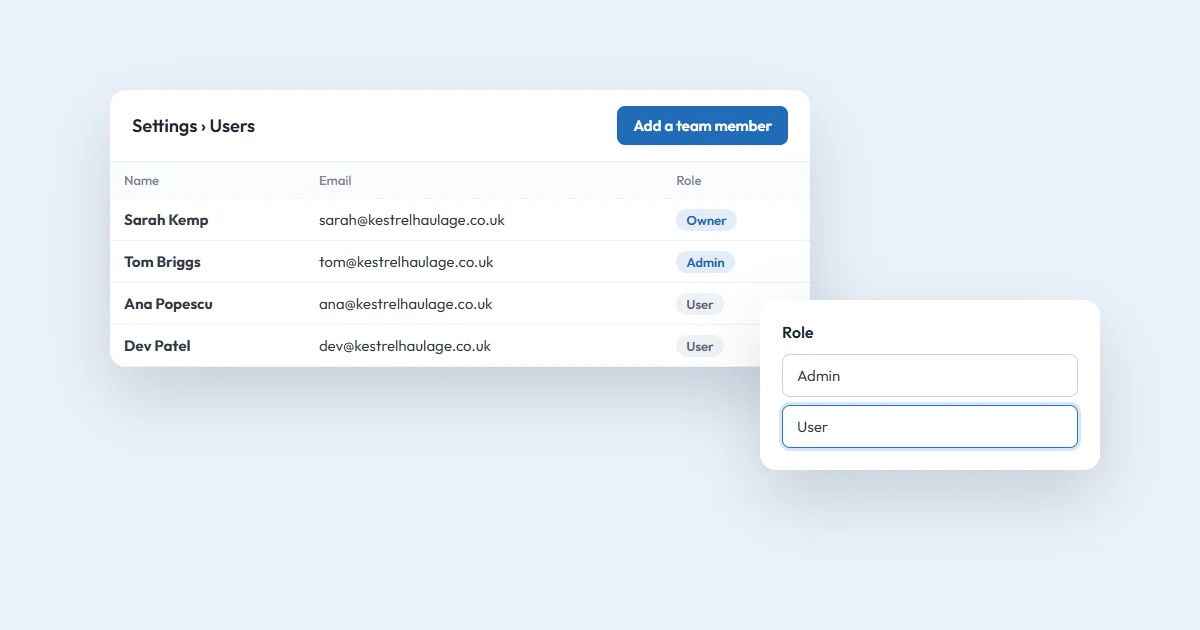
The Owner is the person who signed the company up, and can do everything.
An Admin can do the same as an Owner, except add or remove an Owner.
A User does the day-to-day customs work: GB ENS and ICS2 declarations, bulk upload, the Data Vault, the dashboard and its export. A User doesn't see billing, reports, the company details or the team.
What everyone can do
- Create, edit and submit GB ENS and EU ICS2 declarations, including colleagues' drafts.
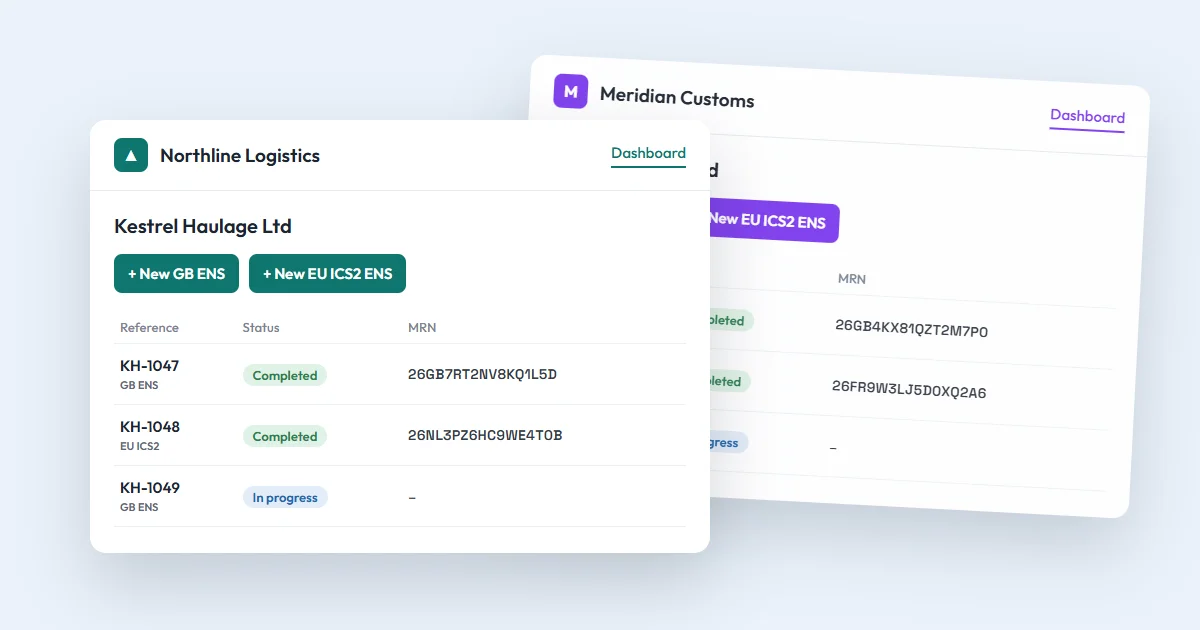
- See all the company's declarations on the dashboard, and search, filter and export them.
- Download the PDF of an accepted declaration.
- Use the company's credits to see an MRN.
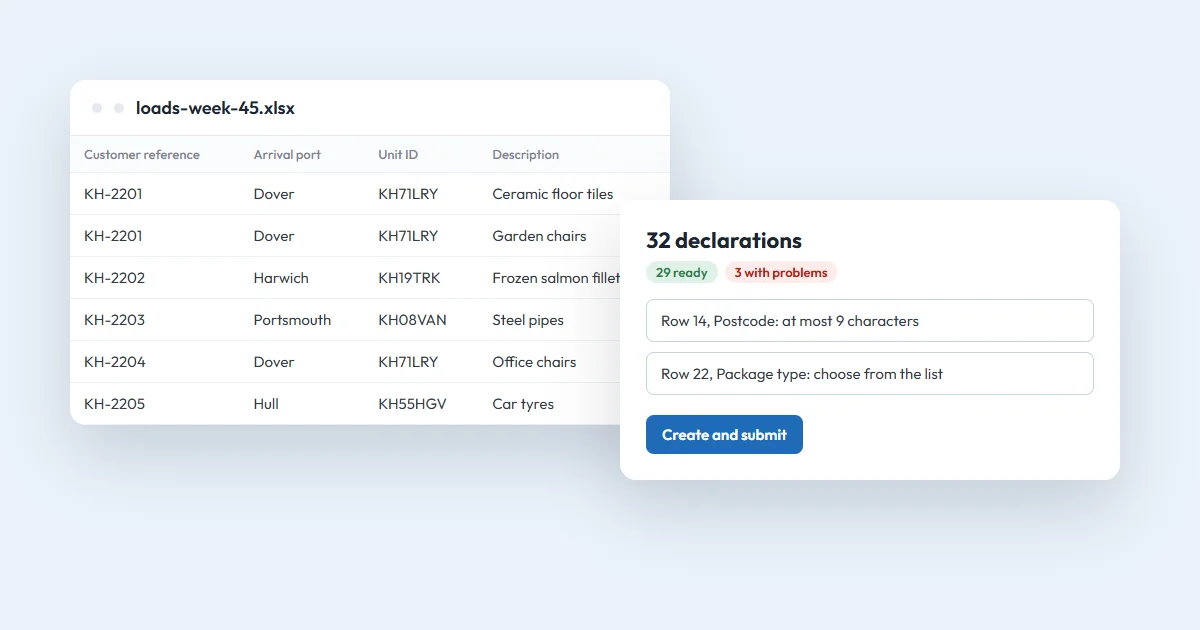
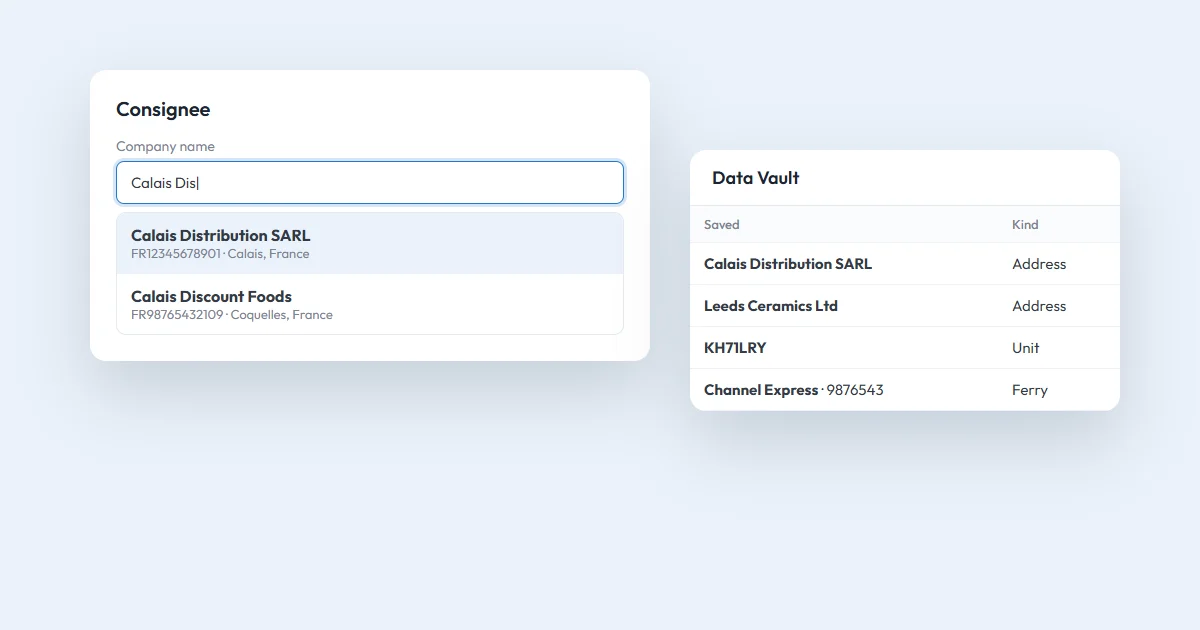
- Use bulk upload and the Data Vault, which the whole company shares.
- Set their own name, password, two-factor login and email notifications.
Only Owners and Admins
- Buy credits, and see and download invoices on Billing & credits.
- See Reports: the company's declarations, customers, team and spending.
- Change the company details.
- See the team, add colleagues, send a colleague a password reset email, and remove a colleague.
Adding a colleague
- Open Settings, then Users.
- Choose to add a team member, and enter their name and email.
- Pick Admin or User.
- They get an email to set their password, then log in like you.
Each person has their own login, and Reports show how many declarations each person sent. When someone leaves, remove them and their login stops working. Their declarations stay with the company.
Changing a role
To change someone's role, or to hand the company over to a new Owner, email help@ensready.com.
Credits are shared
All the company's people use the same credit balance. A User can spend credits to see MRNs but can't buy more, so an Owner or Admin keeps an eye on the balance. The dashboard shows when credits are running low.
Questions
How do I add a colleague?
An Owner or Admin opens Settings, then Users, and adds the colleague as an Admin or a User. The colleague gets an email to set their password.
Can a User buy credits?
No. Users can file declarations and use the company's credits for MRNs, but only Owners and Admins can buy credits and see invoices.
How do I change someone's role?
Email help@ensready.com and we'll change it, or move the company to a new Owner.