Most transport offices send the same consignees, the same carriers and the same trucks again and again. ENS Ready's Data Vault keeps those details, so you pick them instead of typing them into every GB ENS and ICS2 declaration.
What you can save
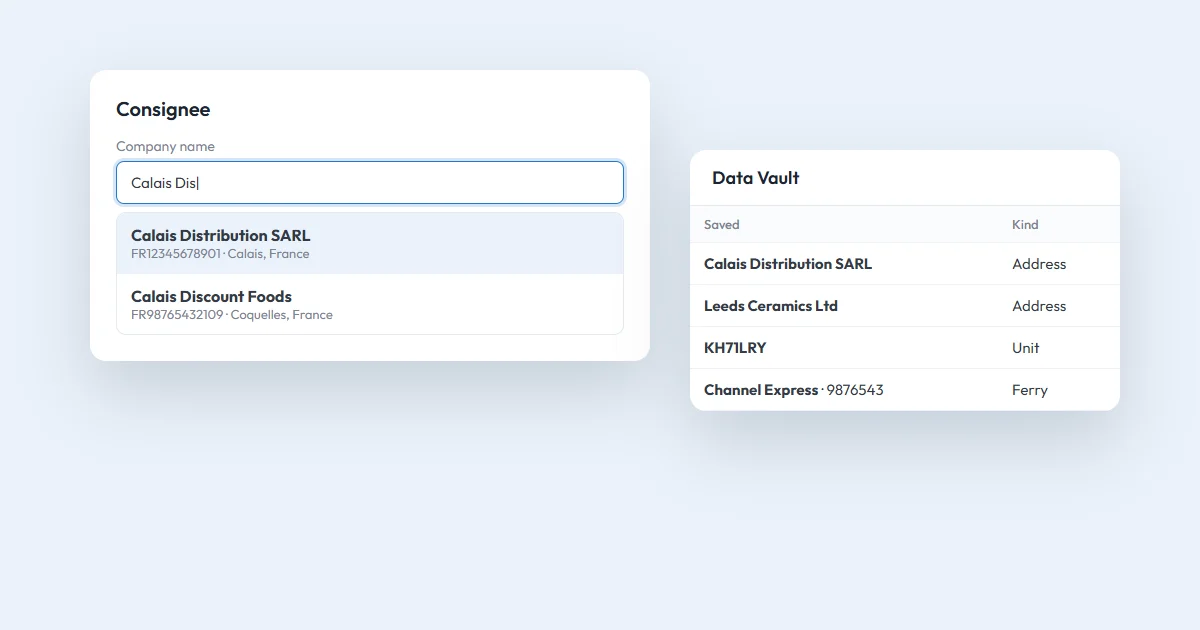
The Data Vault is in the top bar, next to Dashboard. It holds three kinds of details:
- addresses: your consignors, consignees and carriers, with their EORI;
- units and trailers, by their ID;
- ferries, with the ship's name and IMO number.
A company can save up to 2,000 addresses, 1,000 units and trailers, and 200 ferries.
Filling a declaration from it
In the declaration form, click into an empty company name, EORI, unit ID, trailer number or ferry IMO box. A list of your saved details opens, the ones you use most at the top. Type a few letters to narrow it down, pick one, and every box in that section fills in.
The details go through the same checks as if you had typed them, and the declaration sent to customs is the same.
ICS2 doesn't accept a GB EORI for the carrier or the consignee. If you pick a saved address with a GB EORI there, the list tells you.
Three ways to fill the Data Vault
- As you go: under details you type into a declaration there's a "Save to Data Vault" link.
- From past declarations: import the consignors, consignees, carriers and units you've already used.
- From a file: add a list of addresses from a CSV file.
The automatic carrier
If you're usually the carrier yourself, choose an automatic carrier, and it fills in on every new declaration. You can pick one for GB ENS (usually your GB EORI) and one for ICS2 (your EU or XI EORI), because ICS2 needs an EU or XI EORI for the carrier.
In bulk upload too
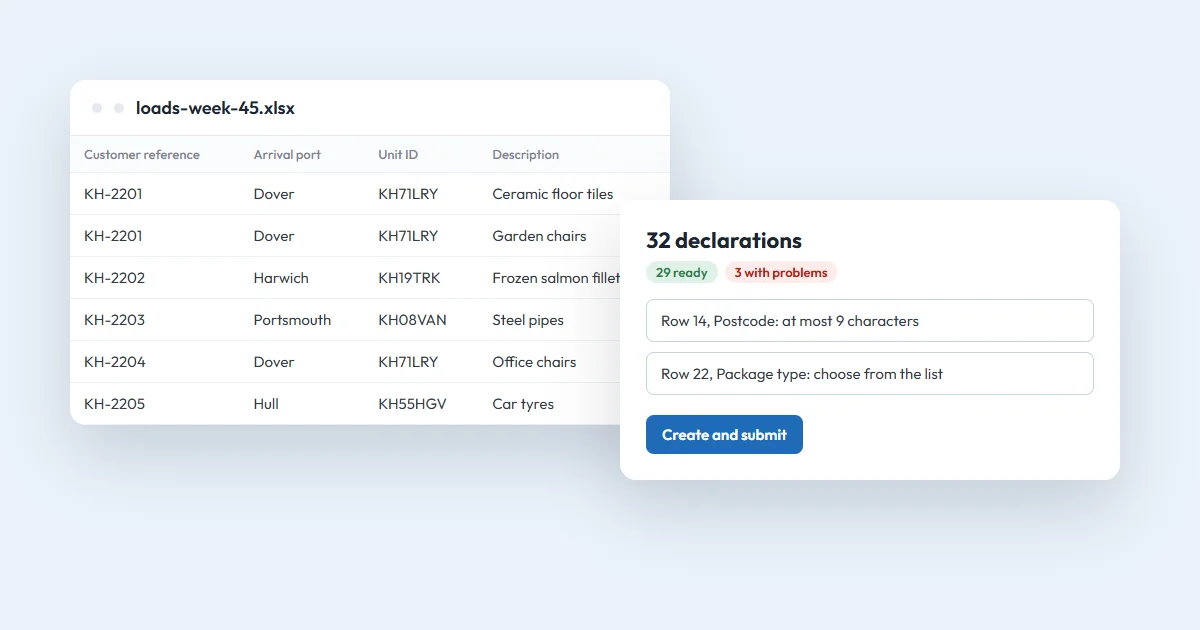
When you upload many declarations from a spreadsheet, type a saved name in the consignor, consignee or carrier columns instead of the whole address.
Shared by your team
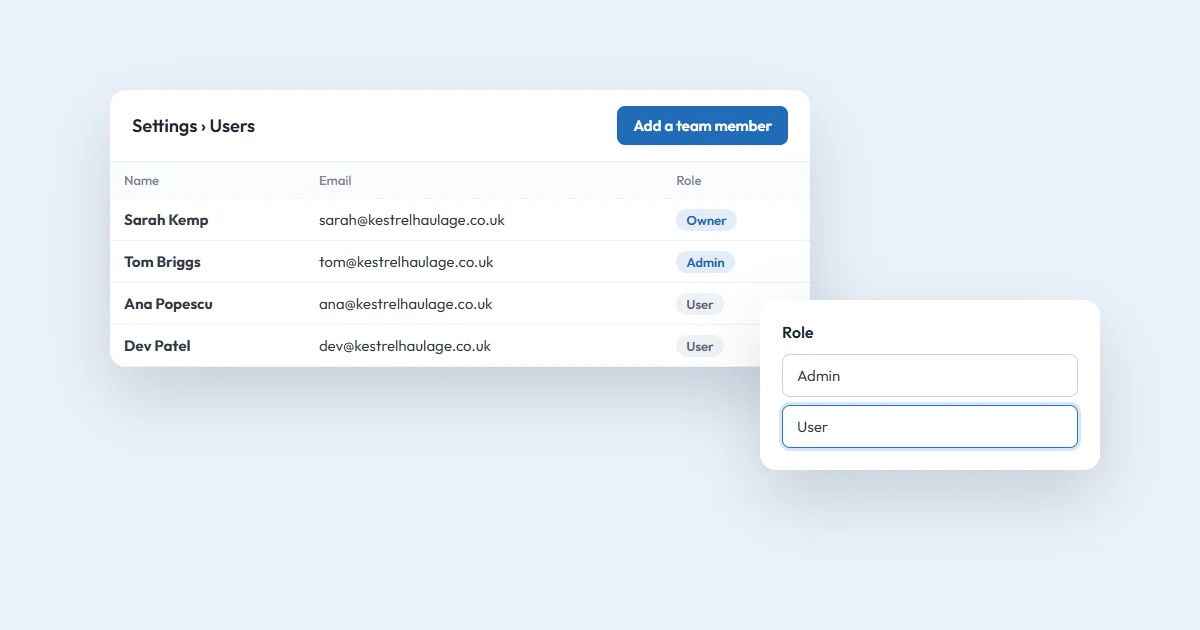
The Data Vault belongs to your company: everyone in it, whatever their role, sees the same saved details and can add, change or delete them. Deleting a saved detail never changes a declaration.
If someone prefers to type everything, they can switch off Use my Data Vault in declarations on the Data Vault page. That only affects them.
Questions
Who can see the details I save?
Everyone in your company. The Data Vault is shared, and anyone in the company can add, change or delete saved details. Other companies never see them.
Does deleting a saved address change my declarations?
No. A saved detail only fills in the form's boxes. Declarations you have already made keep the details they were made with.
Can I turn the suggestions off?
Yes. On the Data Vault page, switch off Use my Data Vault in declarations. It only affects you; your colleagues keep theirs, and your saved details stay.