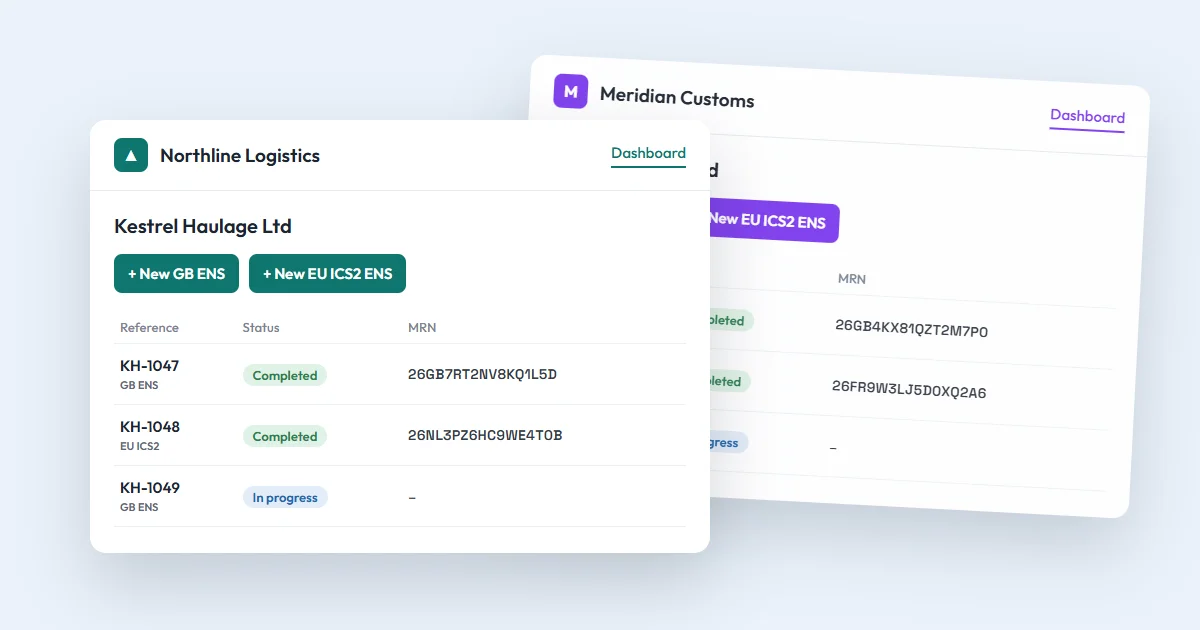
Your dashboard lists every GB ENS and EU ICS2 declaration your company has made, newest first. Once there are hundreds, three tools help: search, filters and export.
Search
Type in the search box above the list. It looks in:
- your customer reference and the submission ID;
- the unit or trailer;
- the departure and arrival port, by name or code;
- the MRN;
- the status and the type (GB ENS or EU ICS2);
- the arrival date, written as DD/MM/YYYY.
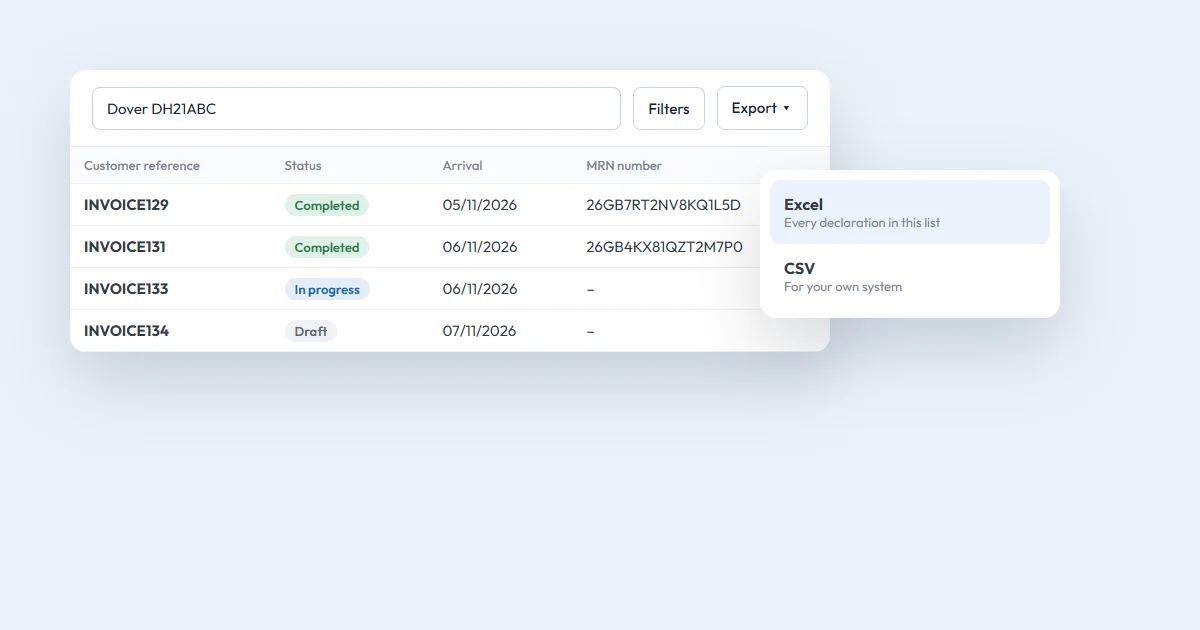
Type more than one word to narrow it down. "Dover DH21ABC" finds the declarations for that unit through Dover.
Filters
The tabs above the list show All, Draft, In progress, Completed and Rejected, with how many there are of each. Choose Filters to narrow the list further:
- declaration type: GB ENS or EU ICS2;
- departure port and arrival port;
- arrival dates, from and to.
Each filter you choose appears above the list with a × to remove it, and Clear all removes them all.
To sort, click a column heading: once for A to Z (dates oldest first), twice for Z to A, and a third time to go back to newest first. You can show 10, 25 or 50 declarations per page.
Share or bookmark a list
The page's address keeps your search, filters, sort and page. Bookmark it, or send the link to a colleague in your company, and it opens the same list.
Export to Excel or CSV
Choose Export, then Excel or CSV. The file has every declaration in your current search and filters, on all pages, up to 10,000. Its columns are:
| Column | Example |
|---|---|
| Customer reference | INVOICE129 |
| Submission ID | the number ENS Ready gave the declaration |
| Type | GB ENS |
| Status | Completed |
| Unit ID | DH21ABC |
| Departure port, and its code | Calais, FRCQF |
| Arrival port, and its code | Dover, GBDEU |
| Arrival date | 05/11/2026 |
| MRN number | once paid for |
| Created | the date the declaration was made |
Filter by arrival dates and a port first, and the export is a ready list of one month on one route, for example for your invoicing.
Updates while you work
While the dashboard is open, it refreshes every 30 seconds, so a declaration that changes from In progress to Completed, with its MRN, shows up without reloading. When your credits are running low, the dashboard says so, with a link to top up.
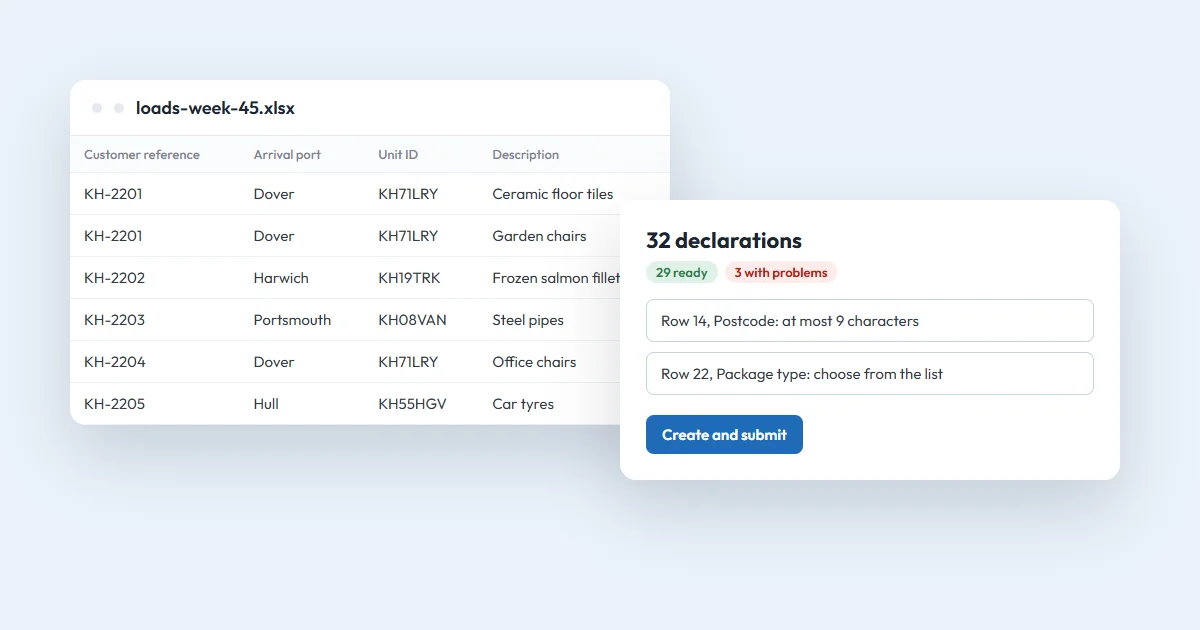
Everyone in your company sees the same list and can export it, whatever their role. To put a whole spreadsheet of loads on the list in one go, see how to submit many ENS from one Excel sheet.
Questions
What can I search for on the dashboard?
Your customer reference, the submission ID, the unit or trailer, a port name or code, the MRN, the status, the type, or the arrival date as DD/MM/YYYY.
What does the export include?
Every declaration in your current search and filters, on all pages, up to 10,000: reference, submission ID, type, status, unit, ports, arrival date, MRN and when it was created.
Does the list update by itself?
Yes. While the dashboard is open it refreshes every 30 seconds, so a new MRN shows up without reloading the page.