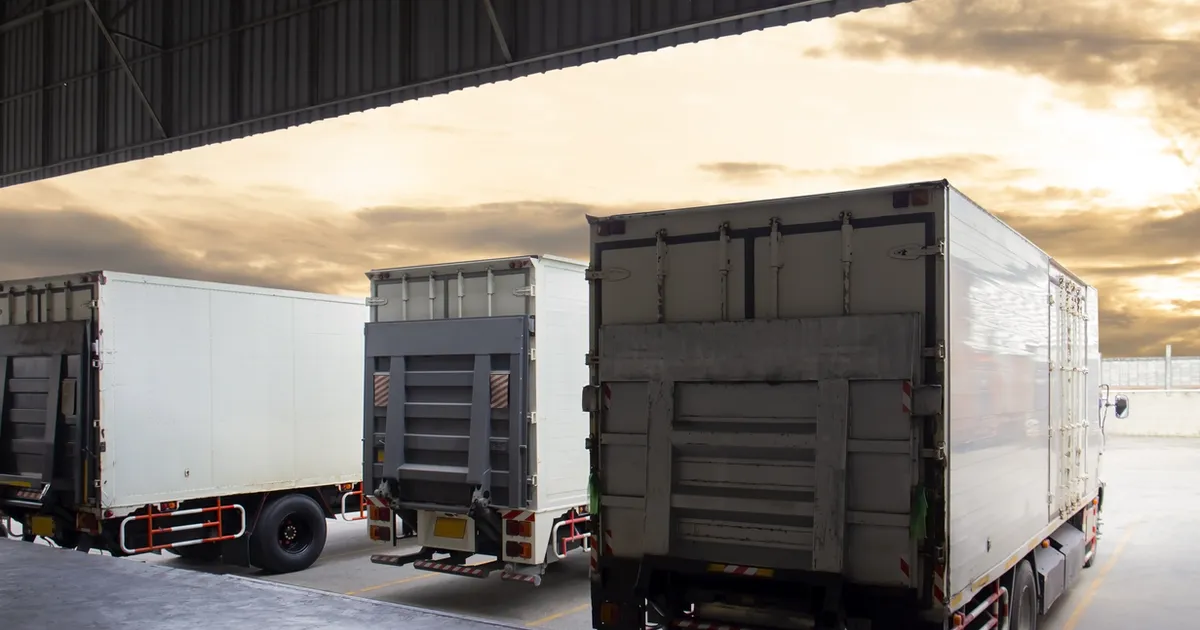

In a previous post, we discussed when an empty GB ENS is required. But when the need arises, how do you submit one?
For an empty ENS declaration with a transport contract, the empty vehicle must be added to the declaration in the goods section.
Here's how to complete the key fields:
- Consignor and Consignee: use the trailer owner's details.
- Goods Description: enter something like "Empty 32-tonne trailer".
- Gross Mass: provide the weight of the empty vehicle.
- Package Type: choose an appropriate code, such as:
- CN: Container
- NF: Unpacked
- TY: Tanks
- Shipping Marks: include the trailer/unit ID.
Questions
What goods description should I use for an empty vehicle in a GB ENS?
Describe the vehicle itself, for example "Empty 32-tonne trailer", and give the weight of the empty vehicle as the gross mass.
Which package type should I choose for an empty vehicle?
Choose an appropriate code, such as CN (container), NF (unpacked) or TY (tanks), and put the trailer or unit ID in the shipping marks.